1
Chat is one tap away
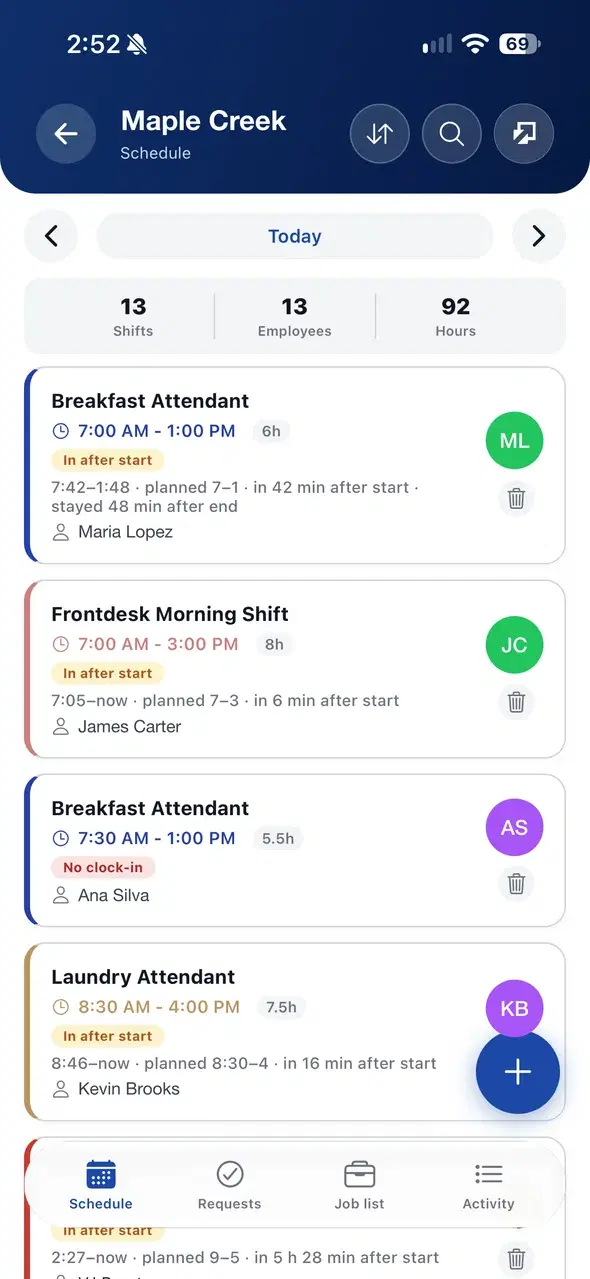
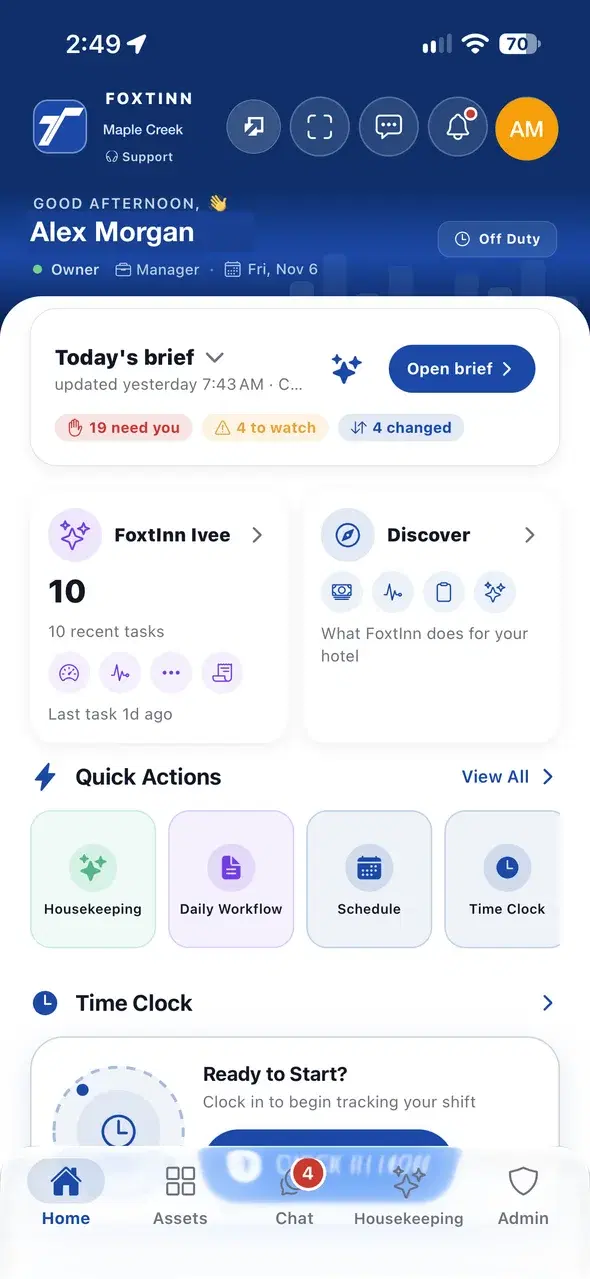
Chat sits in the bottom bar of the phone app, with a count of unread messages, next to Home and the rest of the workday.
Department channels, company updates and English and Spanish support, in the same app as shifts and tasks.
Chat sits in the bottom bar of the phone app, with a count of unread messages, next to Home and the rest of the workday.
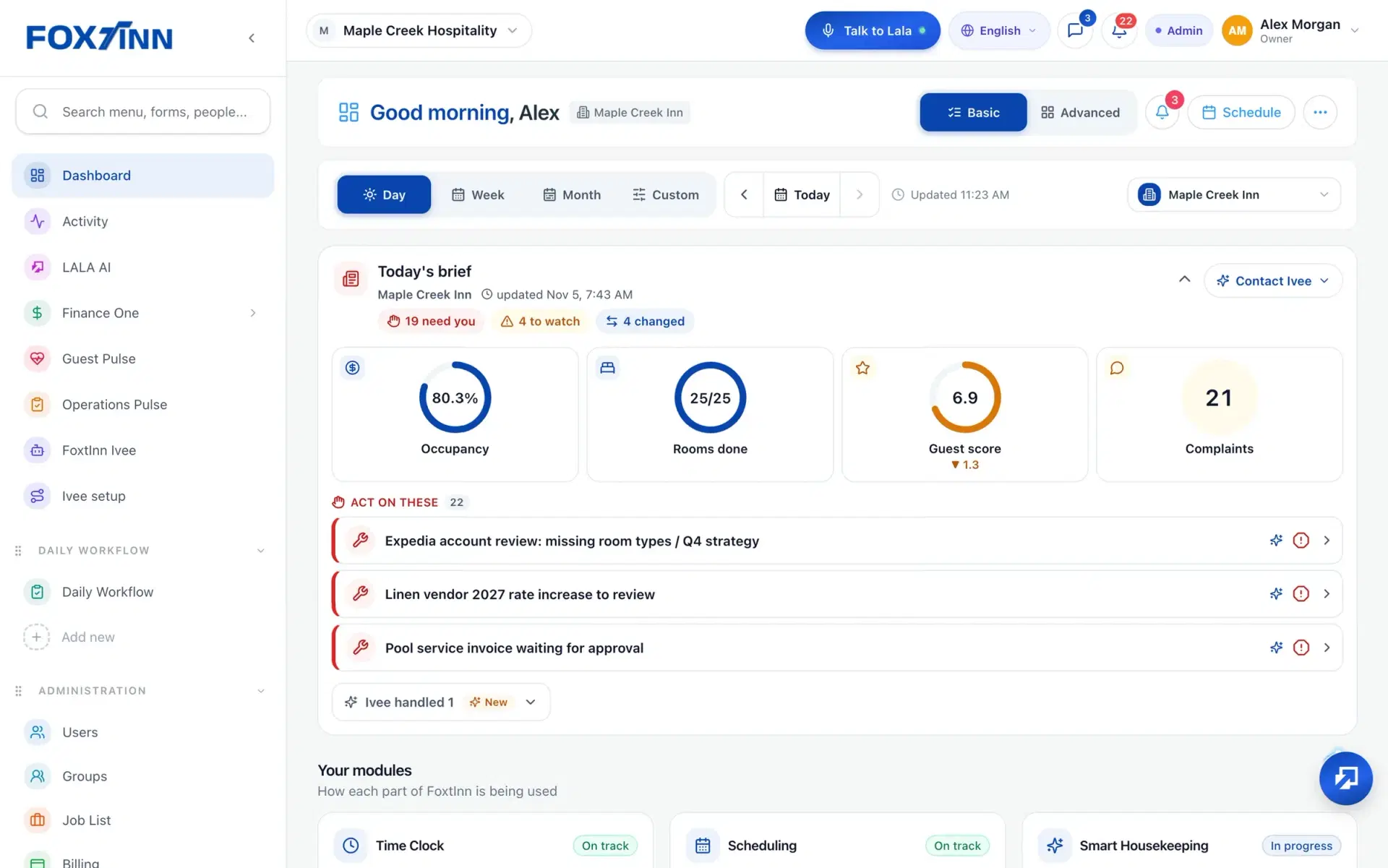
On the web, messages and the language picker sit in the top bar, so managers can reply from the desk in English or Spanish.
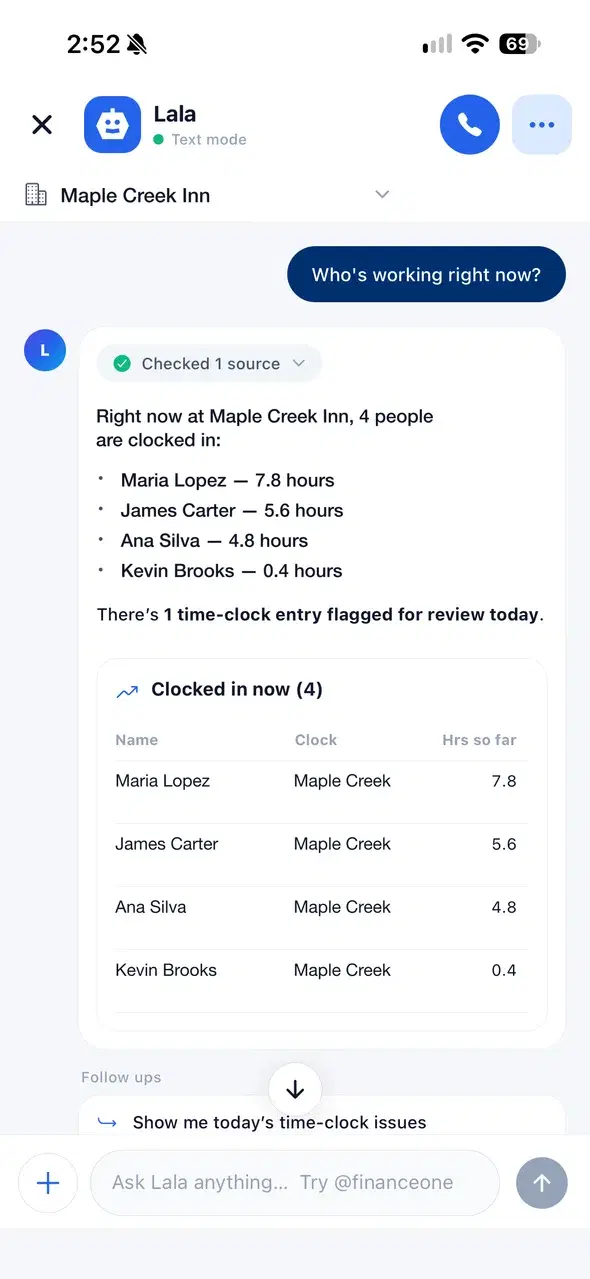
Not every question needs a coworker. Lala, the AI virtual manager, answers from your own data in the same app.
Chat, announcements and the team directory, without a separate messaging app.
Each department gets its own channel, so handoffs and coverage talk stay with the people who need them.
Chat is scoped to the property or location, so a team at one site is not buried in messages from another.
Chat includes translation, and FoxtInn supports English and Spanish across the app, so the whole team can follow along.
Post an update to the company, a property or a department. Pin the notices that matter and send them as a mobile push.
The updates feed tracks reads, so shift notes and policy changes do not get lost in email.
Find people by role and department, with their contact details, without leaving the app.
Yes. FoxtInn chat has department channels and chat scoped to each property or location, so you can reach one team without messaging everyone.
Chat includes translation, and FoxtInn supports English and Spanish throughout the product.
Announcements go in the updates feed. You choose the audience (company, property or department), can pin important notices, and staff get a mobile push.
The updates feed has read tracking, so you can follow whether an update reached your team.
No. Chat is a tab in the same FoxtInn app your team uses for the schedule, time clock and daily checklists, on iOS, Android and the web.
We set it up with your locations and your team. No credit card required.