1
Report it
A customer scans a QR code, or a team member opens a ticket from the app.
Customer complaints and requests in one hub: reported by QR code or by staff, routed to the right team and visible until they are closed.
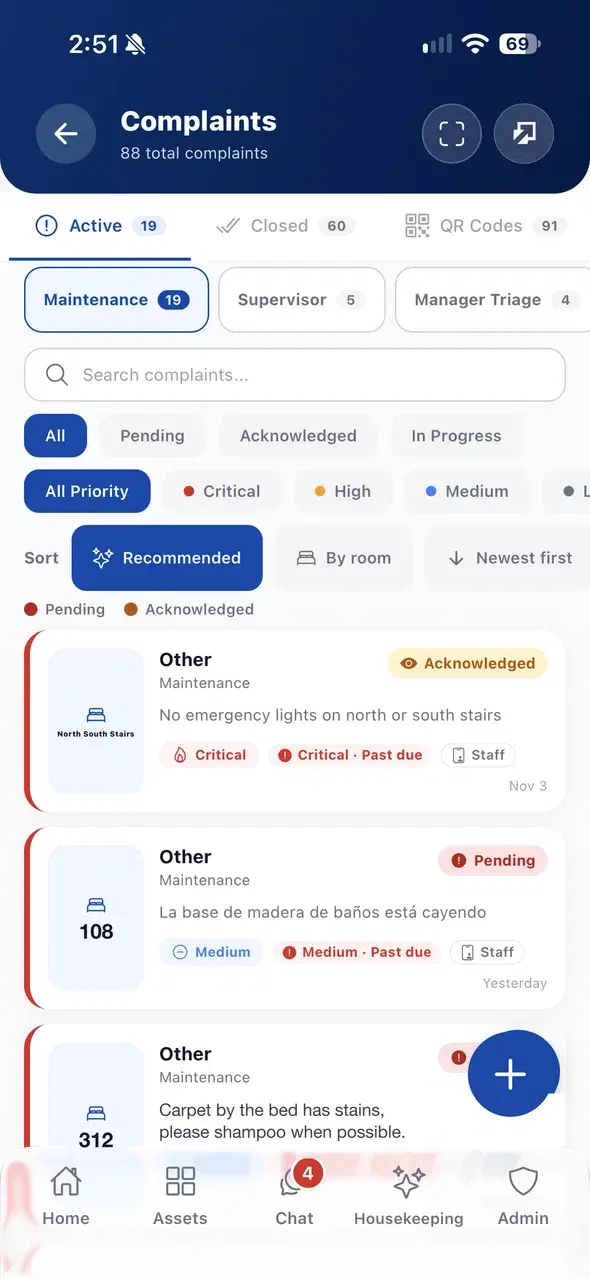
A customer scans a QR code, or a team member opens a ticket from the app.
The ticket goes to the right team with a priority. They acknowledge it and move it to in progress.
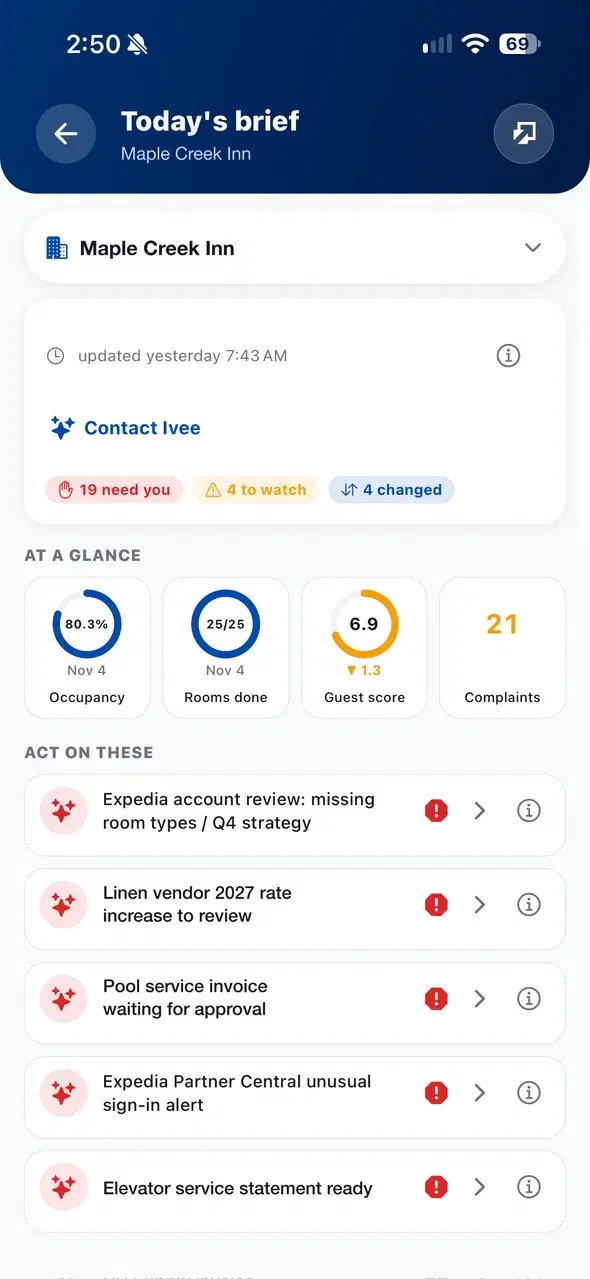
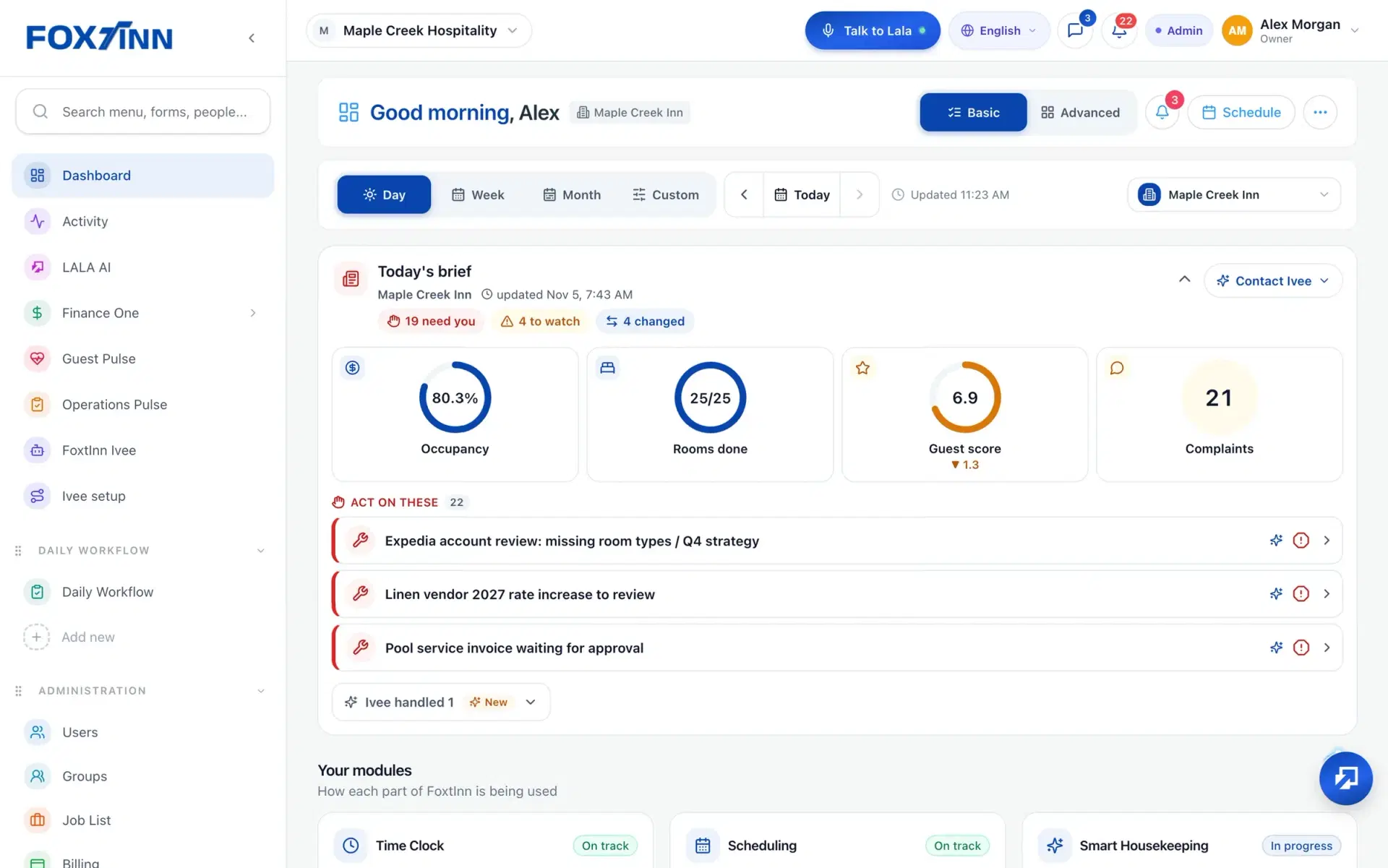
Managers see the open count on the dashboard and what to act on, until every ticket is closed.
The Complaints and Requests Hub is part of FoxtInn Core, on iOS, Android and the web.
Place FoxtInn QR codes where customers will see them. They scan and report an issue themselves, without calling or finding a manager.
Anyone on the team can open a ticket from the app. Guest and staff reports land in the same hub.
Every ticket leads with the room or location. Sort By room to see everything reported for one place together.
Tickets go by category to the team on shift, such as maintenance, a supervisor or manager triage, and can create linked tasks.
Set priority from critical to low. Each status has its own colour, icon and word, and an SLA timer flags tickets that need escalation.
Run more than one location? Complaints from every property roll up in one place, with a picker to focus on one.
One place for every customer complaint and request. Guests report through QR codes, staff report from the app, and each ticket is routed to the right team and tracked until it is closed.
They scan a FoxtInn QR code and describe the issue. The ticket opens in the hub and goes to the right team.
Tickets are routed by category to the role on shift, for example maintenance, a supervisor or manager triage. Each team sees its own list with a count, and a ticket can create linked tasks.
Open tickets stay in the Active list until they are closed. You can filter by status and priority, search, and sort By room. An SLA timer flags tickets that need escalation.
Yes. A ticket can point to a room or to any named location, such as a staircase or a dining area, so any business with hourly teams can track customer issues the same way.
Yes. Complaints from every property roll up in one hub, and a picker lets you focus on a single property.
We set it up with your locations and your team. No credit card required.