1
Set up Daily Workflow on the web
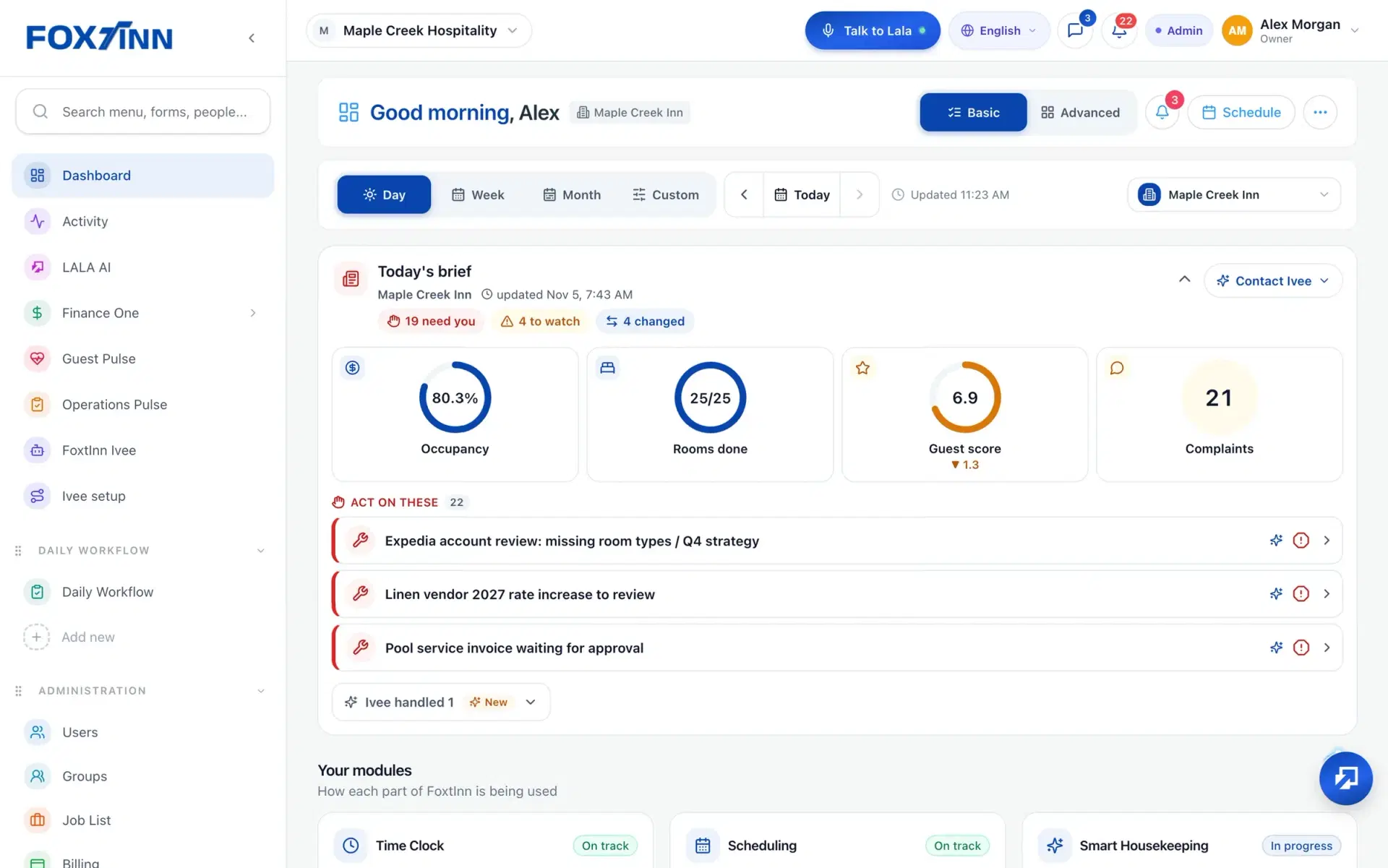
Daily Workflow has its own section in the web sidebar. Build each role checklist once and assign it by role and department.
Daily checklists by role, task boards and SOPs with photo proof, in the same app your team uses to clock in.
Daily Workflow has its own section in the web sidebar. Build each role checklist once and assign it by role and department.
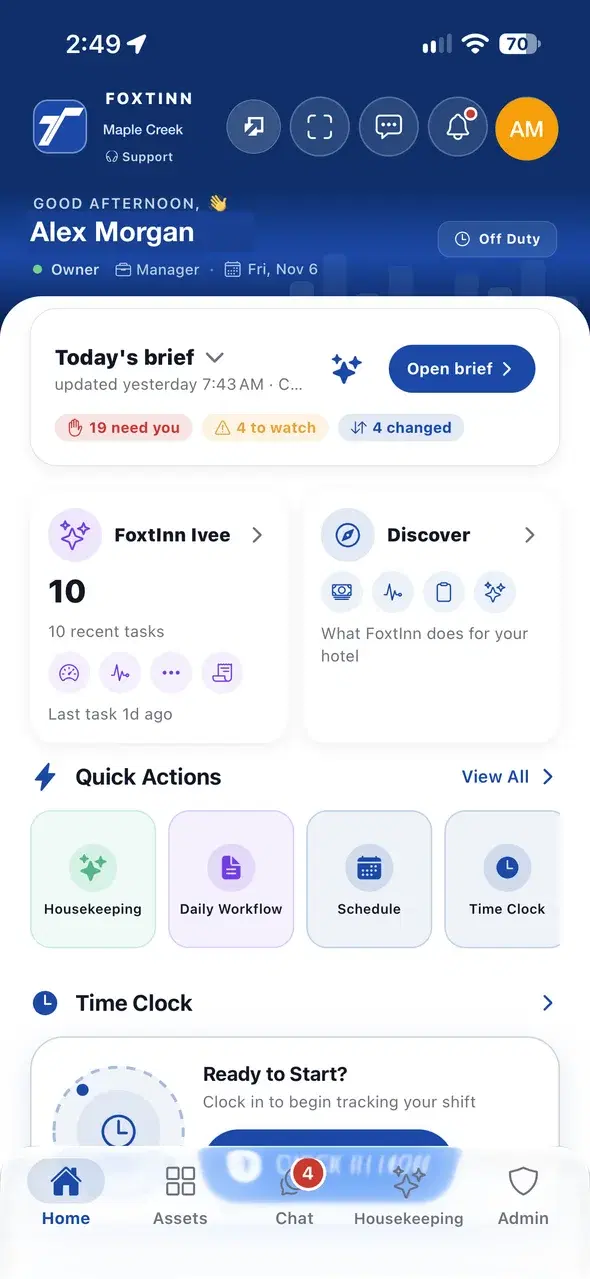
Daily Workflow is a quick action on the phone home screen, next to the schedule and time clock. Staff work through the list and add a photo when it is needed.
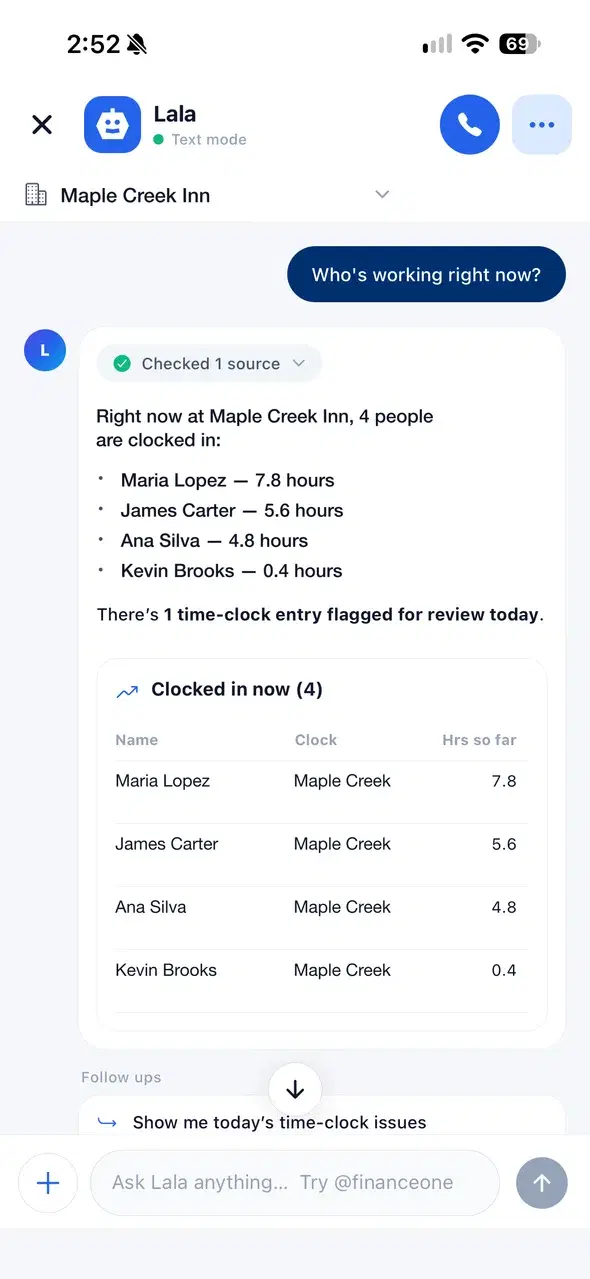
Lala, the AI virtual manager, reads Daily Worktasks along with schedules and the time clock, and answers in plain language.
Everything a shift needs to get the job done the same way every time.
Daily Worktasks give every role its own shift checklist. Start from templates such as front desk, maintenance, sales and supervisor, then add your own roles.
Boards for maintenance, opening and closing, and ad-hoc work, assigned by role so the right person on shift picks it up.
Link the standard operating procedure to the task, so the person on shift sees how it should be done, not a screenshot in a chat thread.
Staff add a photo or a signature when they finish, so managers can see the work without walking over to check.
Build a form once and assign it by role. Staff answer on the phone with photos, signatures, ratings, dates and voice notes. Managers review every submission in one place.
Checklist completion rolls up into department dashboards, and Lala, the AI virtual manager, can read Daily Worktasks when you ask about the day.
Daily Workflow is where your team finds its daily checklists. It is a quick action on the phone home screen and its own section in the web app sidebar.
Yes. Daily Worktasks are assigned by role and department, so whoever works that role on a shift gets the right checklist. Templates cover roles such as front desk, maintenance, sales and supervisor, and you can add more.
Yes. Tasks and checklists support photo capture, and Daily Worktasks also support a signature. Forms add ratings, dates and voice notes.
No. FoxtInn is built for hourly teams. Role checklists, task boards and SOPs work for any team that runs on shifts.
Yes. Staff use the FoxtInn app on iOS and Android, and managers can also work from the web app. Tasks live in the same app as the schedule, time clock and team chat.
We set it up with your locations and your team. No credit card required.