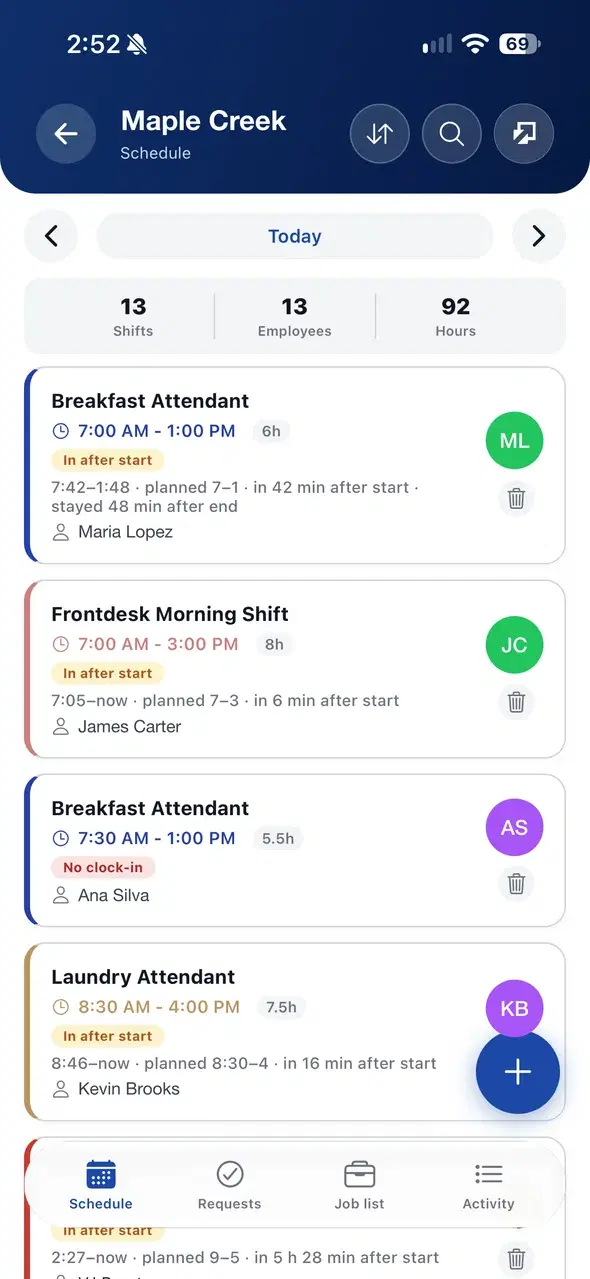
1
Load the day
Import the morning checkoff PDF. FoxtInn reads the rooms and assigns housekeepers by section.
Assign rooms, follow cleaning from the phone, inspect before sale and see when every checkout room will be done.
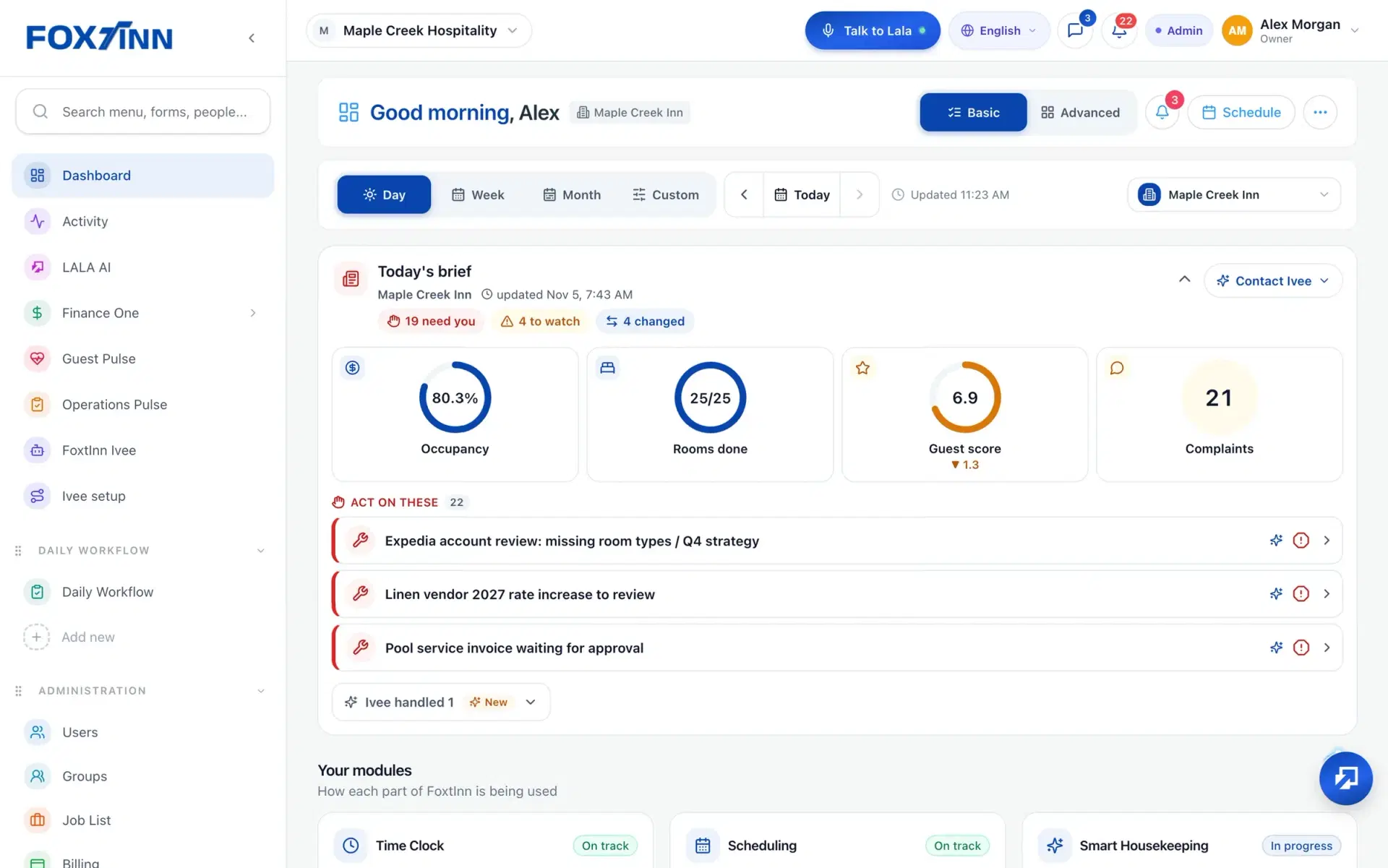
Import the morning checkoff PDF. FoxtInn reads the rooms and assigns housekeepers by section.
Housekeepers update each room from their phone. Progress and the finish time estimate update as they go.
Supervisors approve rooms or send them back for a re-clean. Managers see rooms done on the dashboard.
Smart Housekeeping is part of FoxtInn Core, alongside scheduling, the time clock and tasks.
Drop in the morning checkoff PDF. FoxtInn reads the rooms so nobody retypes the list before the shift starts.
Rooms are assigned to housekeepers by section, and the Assign tab shows who has which rooms.
Every room shows its status and who is on it. The front desk sees clean, dirty and inspected as it changes, with par and damage in the same pipeline.
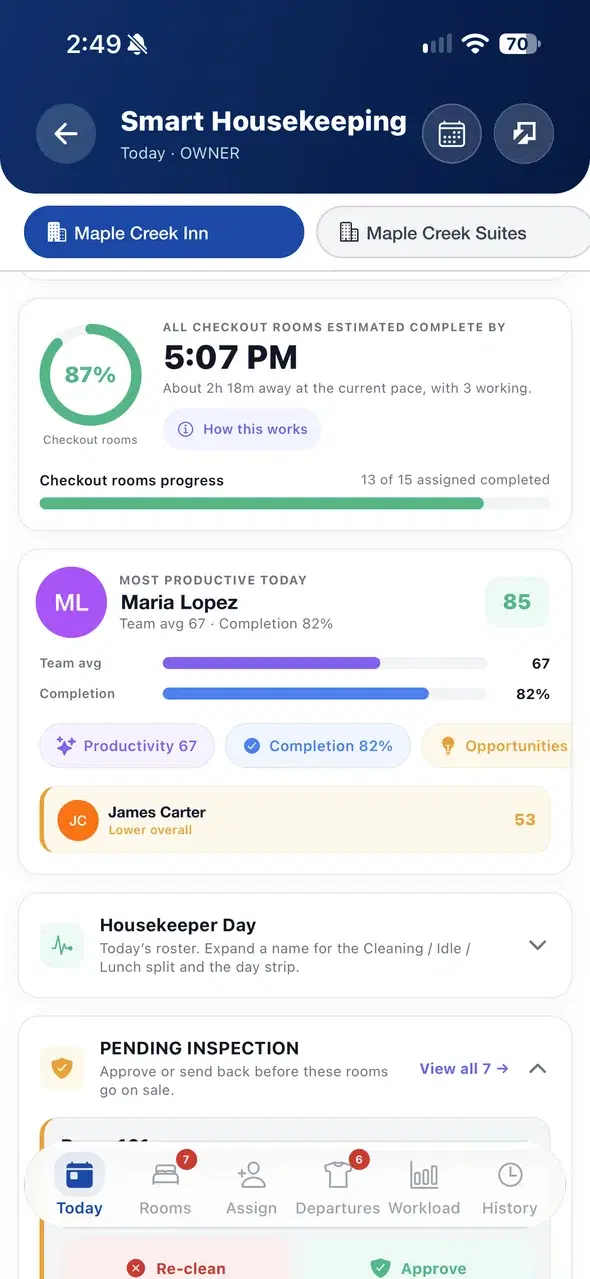
See when all checkout rooms should be done at the current pace, how many people are working and how many assigned rooms are complete.
Rooms waiting for inspection are listed in one place. Approve a room or send it back for a re-clean. A required room checklist can be turned on per hotel.
Housekeeper Day shows the roster with the cleaning, idle and lunch split. Productivity, completion, workload and history sit on their own tabs.
Each room, its status and who is assigned to it. Housekeepers update rooms from their phone, and the front desk and managers see clean, dirty and inspected rooms live, plus checkout room progress and an estimated finish time.
Yes. Drop in the morning checkoff PDF and FoxtInn parses the rooms and assigns housekeepers by section.
Rooms that are ready for inspection appear under Pending inspection. A supervisor approves the room or sends it back for a re-clean before it goes on sale. When a hotel turns on the required room checklist, housekeepers finish the checklist before a room is marked done.
Yes. Switch between properties at the top of the housekeeping screen. Each property keeps its own rooms, assignments and inspections.
Housekeeping runs in the FoxtInn app on iPhone and Android and on the web, so housekeepers, supervisors, the front desk and owners all see the same board.
We set it up with your locations and your team. No credit card required.